Turn Your Photo into a Personalized 3D Printable Gift
Upload a portrait, pet photo, or simple drawing and transform it into a printable 3D model. The AI cartoonify step emphasizes key lines and shapes so your final STL is ready for gifts, keepsakes, and custom 3D photo-based models.
Real Before and After Examples
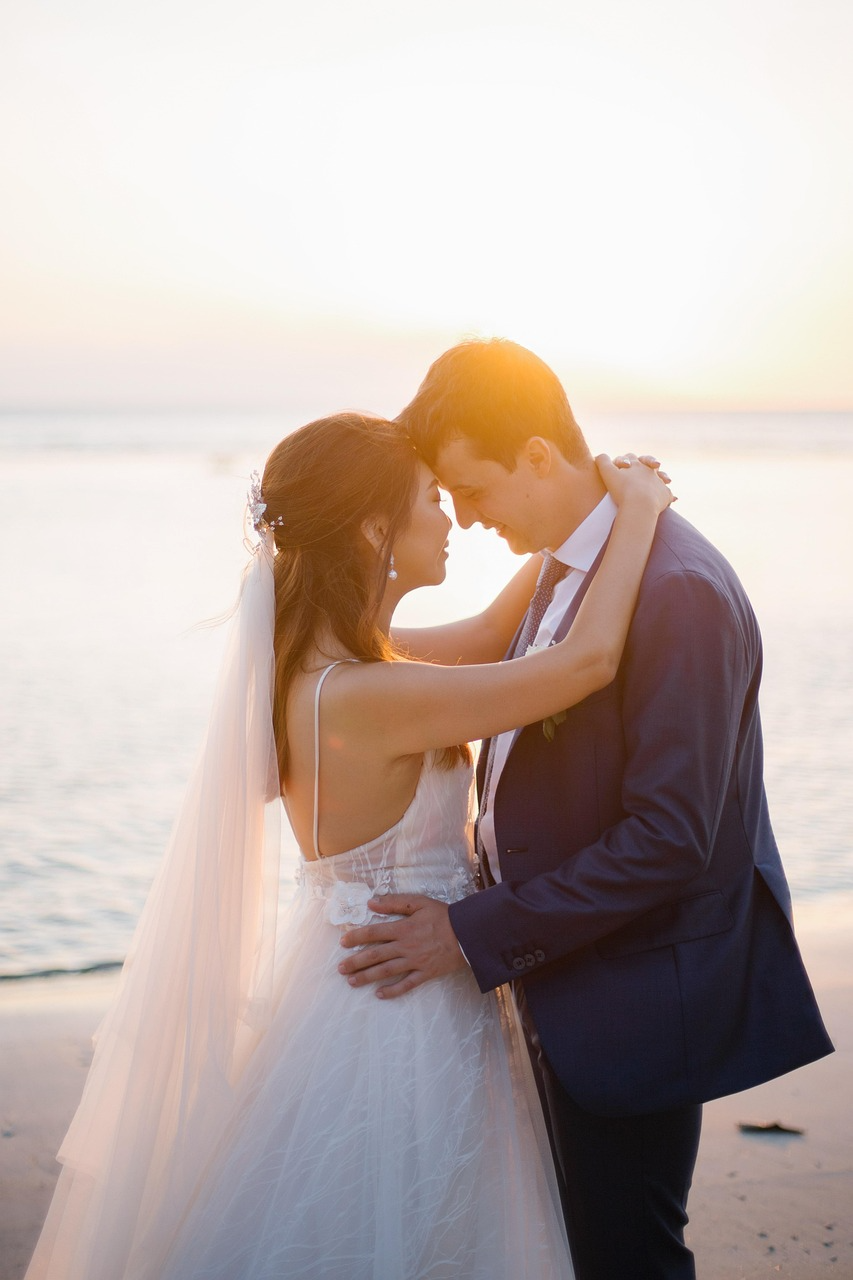
See how uploaded images are transformed before generating the 3D model.
Pet portrait to 3D relief model
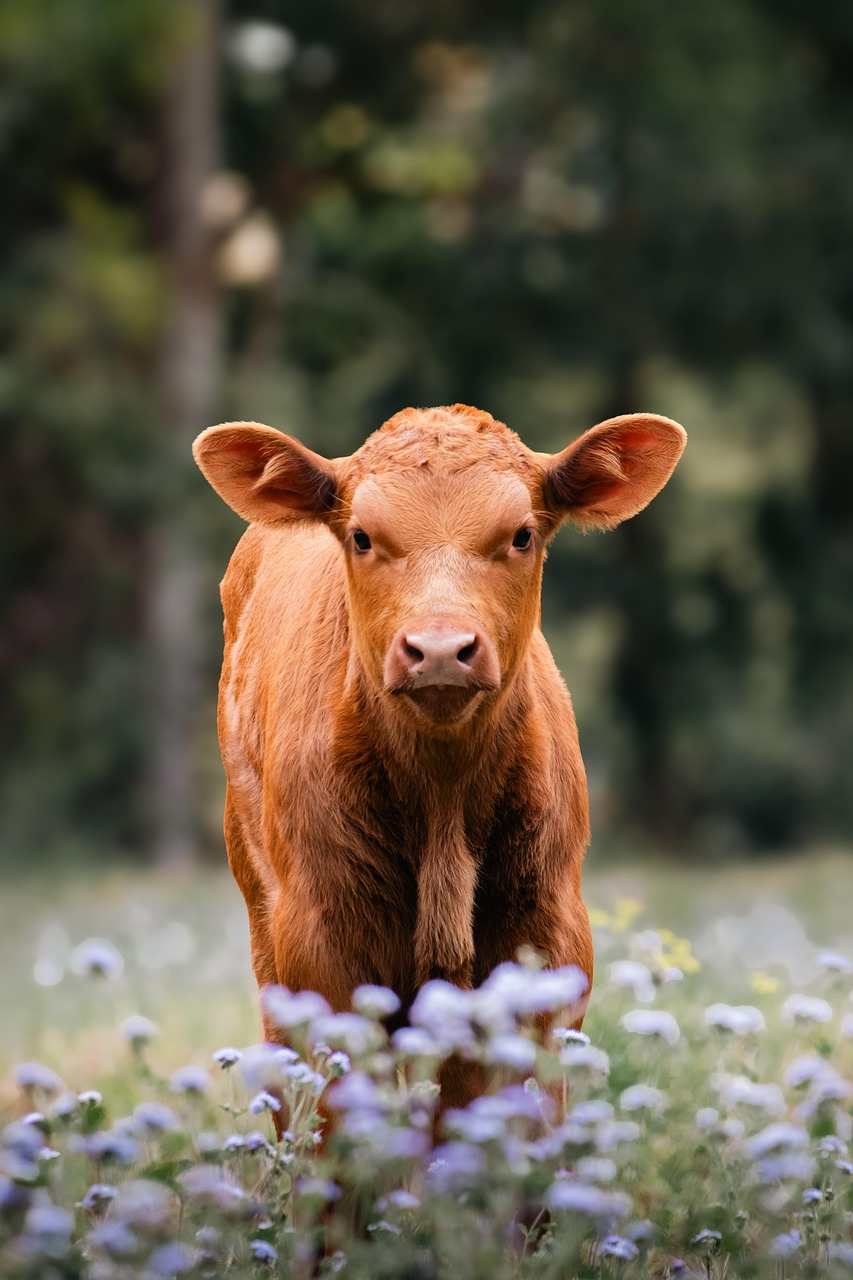
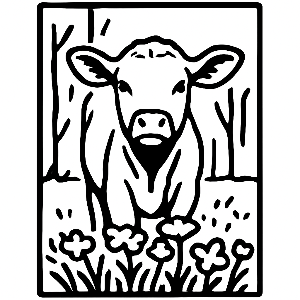
Family photo to keepsake relief

Simple icon to clean printable edges

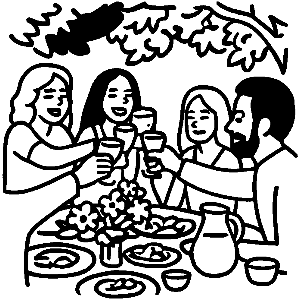
Portrait to personalized gift

Cleaner contours
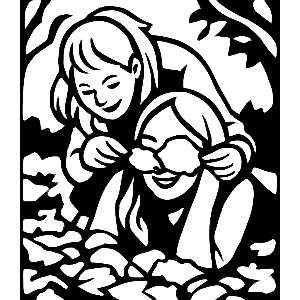
The cartoonify step reduces visual noise and emphasizes shape boundaries so your final 3D model is easier to print.
Better gift quality
Cleaner input often means fewer print failures and more readable results for custom gifts and keepsakes.
Faster workflow
Upload, cartoonify, preview, download STL. No CAD expertise required for most gift use-cases.
Why Customers Choose This Workflow
- Create personalized Mother's Day gifts from family photos.
- Convert a meaningful image into a personalized 3D model.
- Turn difficult photos into print-ready linework for STL generation.
- Skip manual tracing and go from image to model faster.
How it works
- Choose a model that accepts image input.
- Upload your photo, logo, or artwork.
- Apply AI cartoonify to highlight printable lines and shapes.
- Adjust parameters and preview your 3D model.
- Buy/download and print your STL file.